What Is Harness Engineering and What Does a Harness Include?
G
GnurtFull-stack developer
9 min read
In this article
You hand an AI a programming task that takes many steps. At first, it works fast and seems to understand the request. But the longer it goes, the more the result drifts: the original requirements gradually get dropped, code that was never broken gets changed, and the AI even reports that tests passed when the important changes were never really checked.
This is not really a problem of the AI writing bad code. It is also about how we design the environment the AI works in. That’s where harness engineering comes in.
In this article, we will look at what harness engineering is, how a harness works, and when you actually need one.
What is a harness, and how is it different from writing prompts?
An agent that writes code has two parts: the model and the harness. The model is the reasoning part — it reads the request and comes up with code. The harness is everything around the model that lets it work: the tools to read files, run commands, and edit code; the rules it has to follow; and the checks that let it correct its own mistakes. A short formula many people use is: Agent = Model + Harness.
Working with AI has gone through three stages. The first, in 2022–2023, was prompt engineering: writing instructions so the model answers better. The second, in 2024–2025, was context engineering: giving the model the right information — the relevant files, the project’s rules, and its architectural limits. The third, starting in 2026, is harness engineering. Harness engineering, in short, is building the environment around the model so it can work on its own while staying under control.
Writing a prompt is telling the model to do one thing. Building a harness is setting up a system so the model can carry out a whole chain of tasks. That system keeps the model from drifting from the request. A good prompt makes one answer better; a good harness makes a whole long task reach a trustworthy result.
What AI coding tools already include
You do not actually need to build a harness from scratch. Part of it already comes built into AI coding tools. Claude Code, for example, can already read and write files and run terminal commands. It can also maintain a working loop across many steps. And it can ask you to confirm before some sensitive actions.
But those mechanisms are only the foundation. You still need to add the parts that fit your own codebase. Those parts include your own working rules, automated checks, and a log of what the agent did. That is the part of the harness you design and build yourself.
How a harness runs
A harness usually runs in four steps: plan, create, evaluate, and deliver. Each step is handled by a separate role. The next step only runs after the previous one passes its check gate.
Plan: the agent turns the request into a written specification. The specification includes the goal, the constraints, the approach, and what counts as done. It does not write code.
Create: the agent writes code following the specification, edits code, and writes tests. It does not decide for itself what “done” means, because the specification already defines that.
Evaluate: the agent checks the result against the specification. It runs the tests, looks at edge cases, and then approves it or sends it back for fixes.
Deliver: the agent creates a branch, commits, and opens a pull request (a proposal to merge code changes for others to review before they go into the main branch). This step only runs after the earlier gates have passed.
Two things make the difference. First, each step uses its own context window and only receives what it needs: the specification, the code changes, the test results, and the check report. Second, the check gates are enforced, not just suggested.
An agent that carries a task from start to finish on its own usually drifts in five ways:
It forgets the original constraints as the conversation gets longer.
It changes parts that were never requested.
It grades its own code too leniently.
Tests pass without checking the thing that actually changed.
Its context gets filled with logs and implementation details until it forgets the goal.
A harness splits the work into separate steps to block exactly these five failure modes.
The verification loop is the most important part
Verification is the automated quality-check loop that runs while the agent works, not at the end: running tests, running a linter (a tool that checks code for errors and conventions), and self-review after each step. A bug caught early does not get a chance to grow into a big one, and the model does not spend extra tokens (the unit providers use to charge) going further down a wrong path.
In February 2026, LangChain’s team moved their coding agent from rank 30 to rank 5 on Terminal Bench 2.0 (a benchmark ranking coding agents) without changing the model. The entire improvement came from optimizing the harness, mostly the verification loop.
Anthropic’s researchers point to three built-in model failures that only a harness can handle: the agent often declares the work done before verifying the result; as its context window fills up, it rushes to finish and cuts corners; and it tends to take on a whole problem in one go, producing a pile of changes with no documentation.
Verification has its limits too. For application behavior — whether the software actually does what the user needs — the common approach today is to rely on tests the AI itself generated, then check them by hand. Martin Fowler is blunt about it: that puts too much trust in AI-generated tests, and it is not good enough yet.
What a harness consists of
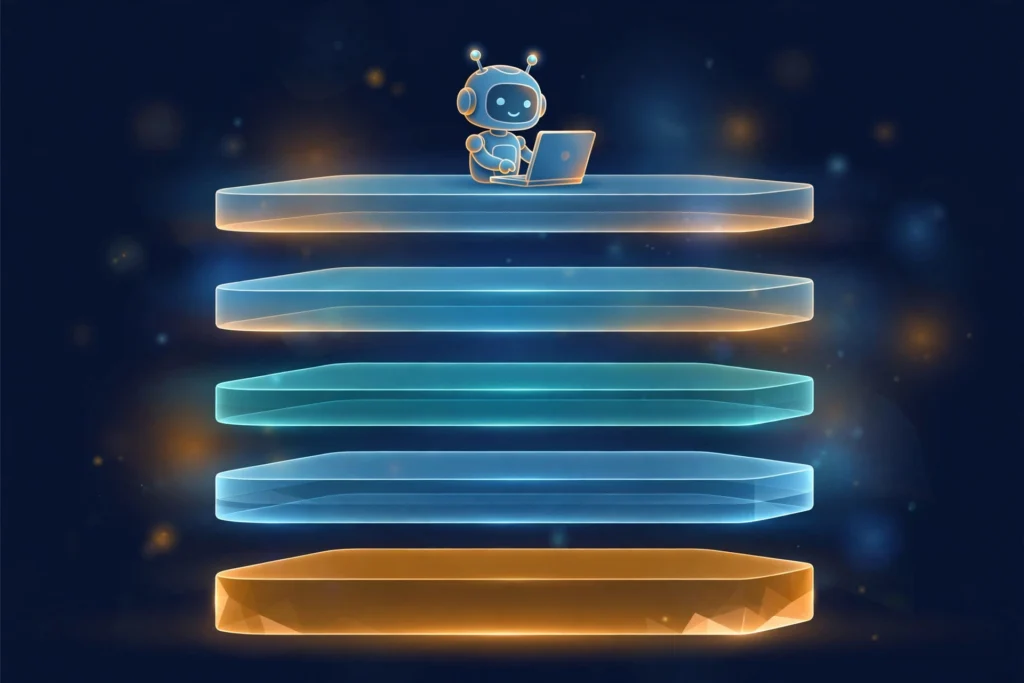
To answer fully what harness engineering is, you need to see all five layers of a harness:
Tool orchestration: decides how the agent picks and connects tools (reading files, running commands, calling APIs) and changes course on its own when a tool fails.
Verification loop: automated checks while the work is in progress, so errors do not grow into big ones.
Context and memory: helps the agent remember the codebase and previous sessions, instead of having to be told everything again each time.
Safety limits: hard boundaries such as a sandbox (an isolated environment), cost caps, and a human approval gate before sensitive actions like editing the production database.
Observability: logs and execution traces so you can see what the agent did and why, and then debug and measure whether a harness change helped it do better.
When you need a harness, and when you don’t
The practical rule Mitchell Hashimoto puts forward is: every time the agent makes a mistake, spend the effort fixing the system so it does not make that mistake again. Most of the time, that fix is a harness improvement.
You need a harness when you hand the agent long tasks — a whole feature, not just a snippet of code — or when the same kind of error keeps repeating. You also need one when the result has to be reviewable by someone else, or when there are compliance and safety requirements the default tools do not cover, such as custom compliance checks or an audit log.
You do not need a harness yet when the task is a one-off, small, and clearly defined: fixing a small bug, writing a sample snippet. Then a good prompt is enough, and building a harness costs more than it’s worth.
One thing to note: not every codebase is equally easy to build a harness for. With projects that have clear data types, modules divided sensibly, and fairly clear boundaries between them, the agent has plenty of points to check and compare results against as it works.
By contrast, with older codebases, where the structure is inconsistent and the components are tangled together, building a harness is much harder. Ironically, these are often the projects that need a harness most, because the agent has a harder time understanding the structure and controlling changes to the codebase.
Common misconceptions
Wrong
Right
A harness is a framework you buy, install, and you are done.
A harness is a system layer built around the model for your own codebase and process. Ready-made tools only give you a default harness; the rest you have to build yourself.
A harness replaces people.
People still approve at the check gates and still make the final decision. A harness only makes the agent more trustworthy.
A stronger model needs less of a harness.
LangChain improved its Terminal Bench 2.0 ranking from 30 to 5 without changing the model, only by optimizing the harness.
Handing work to many agents means you have a harness.
Splitting work across many agents without check gates and clear handoffs is still one long-running agent with extra steps. Check gates and handoffs are the point.
Conclusion
When AI writes code, your job shifts from writing each line of code to building the system around the model: telling it what to do, checking whether it did it right, and fixing the system every time it gets something wrong. That is harness engineering. You do not need to build a complete harness from the start. Start with one check gate for the task you hand over most often, then add more as you see errors repeat.
You might be using Chrome to browse the web, Edge for work, or VS Code to write code without realising they share a common foundation: Chromium. It is the open-source browser project behind many familiar products — but Chromium and Google Chrome are not quite the same thing. This article explains what Chromium provides, what...
The 11.11 sale season is peak time for online shopping scams. Learn to spot 8 common tricks, including AI deepfakes, and how to protect yourself as a buyer or a shop owner.
Update: patches released on 11 November 2026 Update (12 November 2026): Node.js has released the security patches on 11 November 2026 as pre-announced. The patched versions are 26.13.1, 24.22.3 and 22.23.5. This round fixes 16 vulnerabilities: 7 High, 6 Medium and 3 Low. The highest severity is High, as announced in advance. Most of the...




Comments
You can use your Google account to comment. Google only shares your verified name and email address to display your name. You can log out at any time.
Sign in with GoogleNo comments yet. Be the first!