What Are Image, Container, Volume, and Network in Docker? Understanding the 4 Core Concepts
G
GnurtFull-stack developer
7 min read
In this article
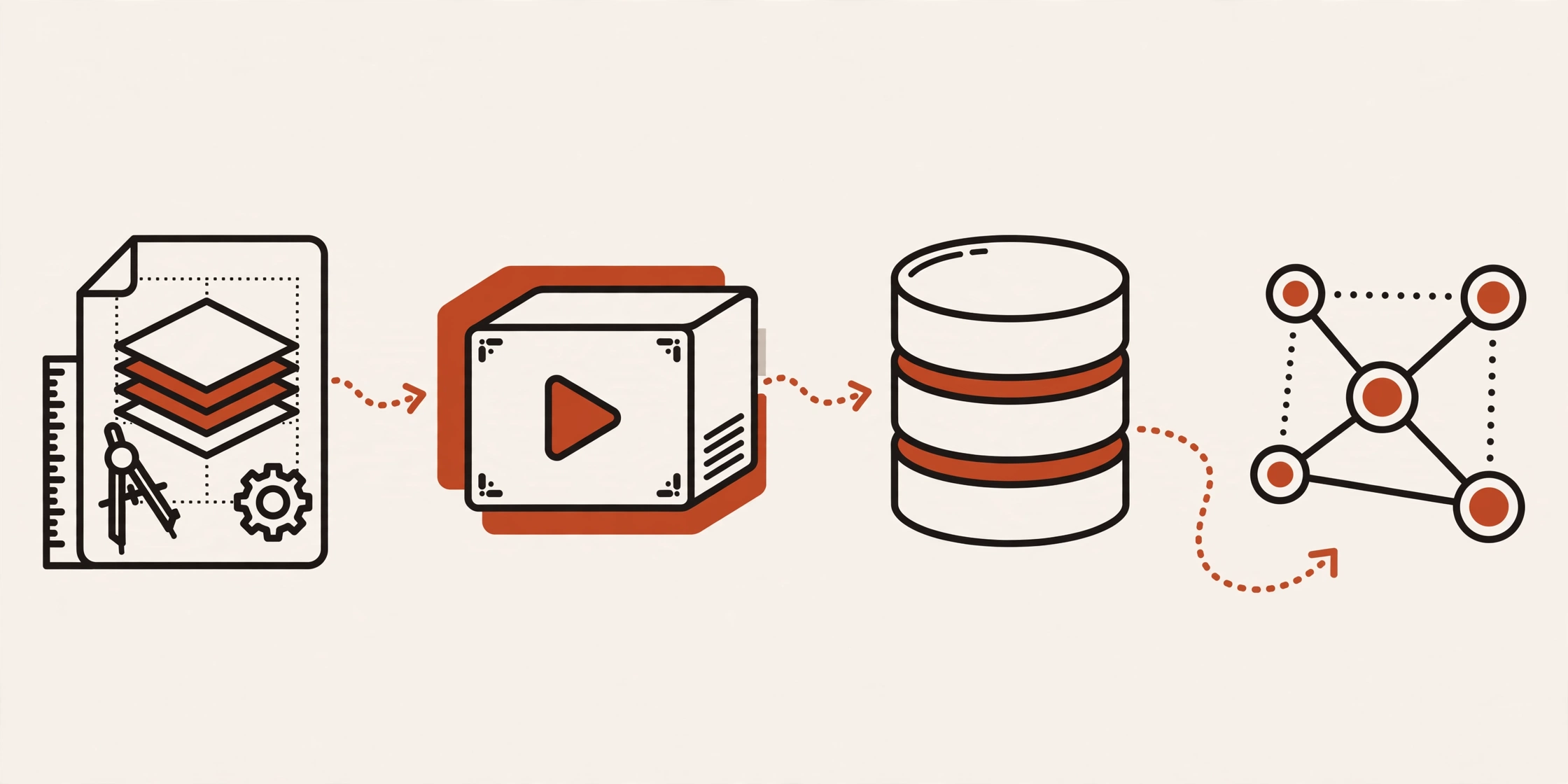
When working with Docker, you will frequently use four core concepts: Image, Container, Volume, and Network. Simply put, an image is the blueprint, and a container is the image running. A volume keeps data, while a network connects containers to each other. These four concepts follow an order: first the blueprint, then the running copy — and the running copy raises two problems, data and connection, which the volume and the network solve. If you are just starting out, read What Is Docker first.
What Is an Image?
An image is a read-only blueprint: you use it to create containers, and you never edit it directly. To change anything, you edit the recipe (the Dockerfile) and build a new image. A Dockerfile is a text file that records each step used to make the image.
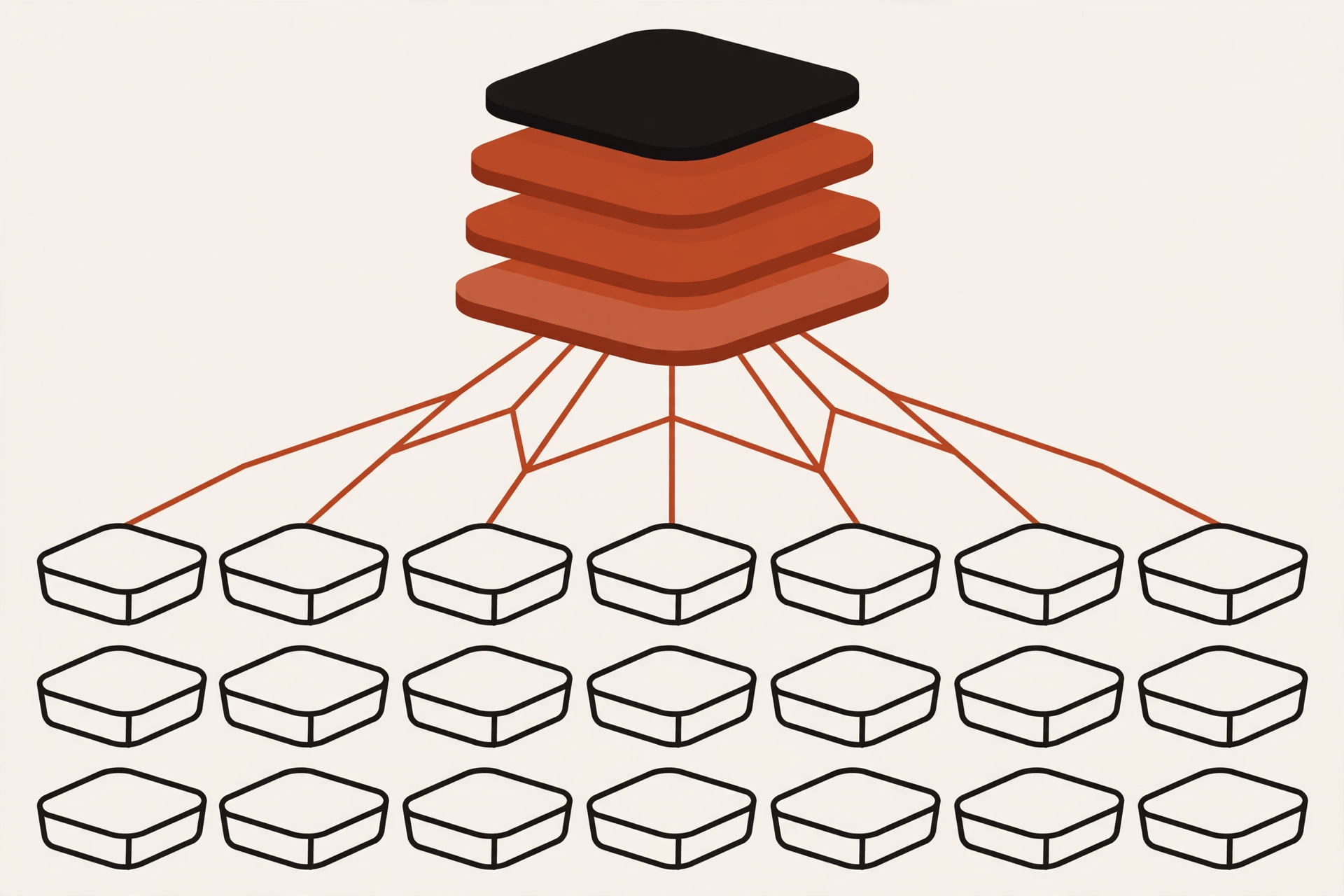
Think of an image as a recipe. You can use the same recipe to prepare many dishes, just as you can use one image to create multiple containers. Each container starts with the same image but runs independently.
An image is made of multiple layers, each adding a piece of content such as a library or source code. Docker can reuse these layers to speed up building the image.
One image creates many identical containers.
What Is a Container?
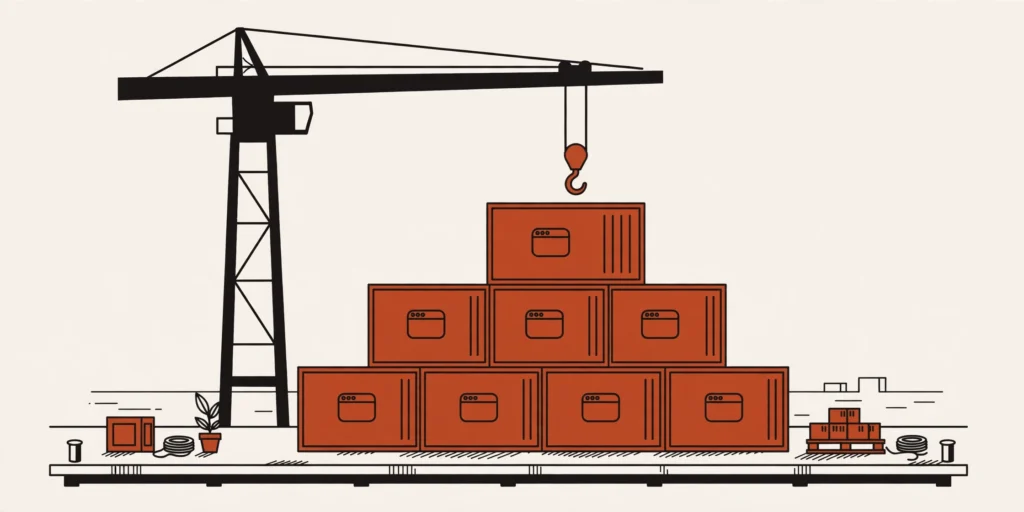
A container is an image running: your application runs inside it.
Creating, stopping, and deleting a container takes only a few seconds, because a container shares the operating system kernel of the computer you are using — it does not need to boot a complete separate operating system like a virtual machine. A virtual machine is a complete virtual computer running inside the real machine, with its own operating system. From one image, you can create and run many containers at the same time.
A container is usually in one of two main states: running or stopped. Deleting a container makes the running copy disappear, but the image remains, ready to create a new container.
What Is a Volume?
When a container is deleted, the data inside it is lost too. This is where a volume comes in. A volume is storage that lives outside the container, managed by Docker. Data you write to a volume is not inside the container.
Thanks to that, data survives even when you delete the container. When you create a new container and attach the old volume again, the application can keep using the data from before.
What Is a Network?
A simple application may need only one container. But in real applications, many parts usually need to connect to each other — for example, a web application needs to query a database. A network is a private network for containers, made for exactly that: containers on the same network can call each other by name, Docker finds the right address, so you do not need to remember IP addresses. For example, the web container can call the database container by the name db. This private network exists only inside Docker; no one on the internet can reach it directly.
How Do the Four Concepts Fit Together?
Let’s look at a complete example: a web application and MySQL (a popular database management system).
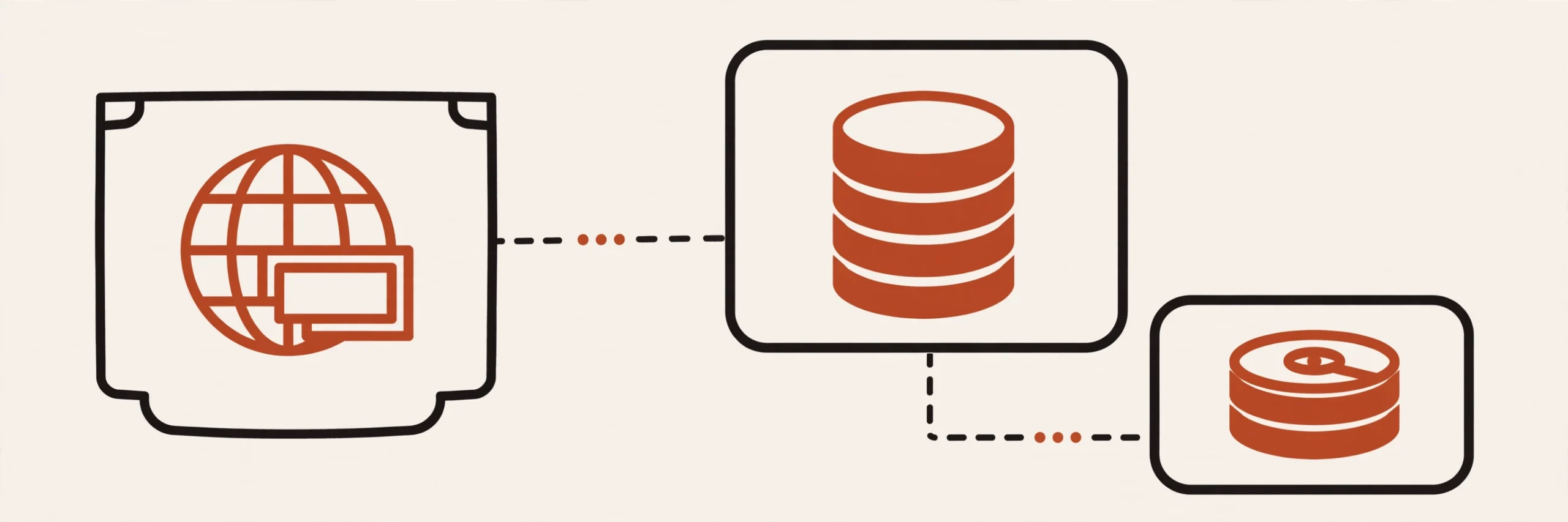
Imagine you are building a web application that uses MySQL. First, you create the web container from the application’s image and a MySQL container from the MySQL image. The two containers connect to each other through the network, while MySQL’s data is stored in the volume.
When a user visits the website, the web container receives the request and queries MySQL through the network. MySQL reads the data from the volume and returns the result to the web container.
If the MySQL container is deleted and recreated, you only need to attach the old volume again. The data is still there, and the web container can keep connecting to the MySQL service by the same name as before.
The web container connects to the database container through the network, while the database’s data is kept in the volume.
A Quick Look with a Few Commands
You can open a Terminal and try these 4 commands to see what your machine has. They only show information — they do not change or delete anything on your machine.
docker images — See the list of images on your machine.
docker ps — See the containers that are running.
docker volume ls — See the list of volumes.
docker network ls — See the list of networks.
Common Misconceptions
Wrong
Right
Image and container are the same thing.
An image is the blueprint. A container is an image running, created from that image.
Deleting a container deletes all the data.
Deleting a container only deletes the data inside the container. Data written to a volume is still there after the container is deleted, because the volume lives outside the container.
A volume is just an ordinary folder inside the container.
A volume is not an ordinary folder inside the container. Docker manages the volume and it lives outside the container, so the data in it is not lost when the container is deleted. You can think of it as an external drive: you attach it to the container, and when the container is deleted, the drive is still there.
The Docker network is the internet.
The Docker network is not the internet. It is a private network for containers to talk to each other — only containers on the same network can call each other.
Frequently Asked Questions
Can many containers share one image?
Yes. One image can create many containers. Each container runs separately. A change in one container does not affect the other containers.
Does a container need a network?
Not always. A container can run on its own without connecting to any other container. But when an application has many parts that need to communicate, like a web app and a database, a network helps the containers connect more safely.
What happens to data if I don’t use a volume?
The data is stored in the container’s writable layer, which is removed when the container is deleted. To keep data safe, attach a volume to the important data.
Are a volume and an image the same thing?
No. An image holds the application’s source code and everything the application needs to run (libraries, configuration…), packaged in advance following the instructions in the Dockerfile. A volume only holds data. When the data in a volume changes, the image does not change.
Conclusion
Back to the example: the application’s image creates the web container, the MySQL image creates the database container, the volume keeps the data, and the network connects the two containers. These are the four building blocks that help you understand how a Docker application is created, how it stores data, and how services connect to each other.
Just remember: to run something, find its image; to keep data, use a volume; to let two parts talk to each other, put them on the same network. The four commands above are enough for you to see what your machine has. Try running docker images and docker ps on your machine right now to see what you already have.
The next article will use these same four concepts to write a Dockerfile and docker compose (a tool for running multiple containers together with a single config file) for a web application with a database, from start to finish in a real project. (coming soon)
Sources
The links below were checked and confirmed to load on November 2, 2026.
Bạn có thể sử dụng tài khoản Google để bình luận. Google chỉ chia sẻ tên và địa chỉ email đã xác minh để hiển thị tên của bạn. Bạn có thể đăng xuất bất cứ lúc nào.
What is Docker? Docker is an open platform that helps you package, ship, and run an app. An app runs in a separate environment called a container. In short, Docker helps an app run the same way on many different machines. Everything the app needs is packaged together. What Is Docker? According to Docker’s official...
On 04/11/2026, GitHub was hit by an incident affecting Pull Requests, Git Operations, Issues, Actions, and API Requests. The incident began at 09:49 UTC and was resolved at 11:50 UTC the same day. What Is Happening? According to GitHub’s official status page, Pull Requests is partially disrupted (partial outage), while Git Operations, Issues, and Actions...
Binance was hacked for $6.3 billion, the largest exchange hack in history, starting from an engineer's laptop. A summary of the timeline and 6 security lessons for businesses.




Bình luận
Bạn có thể sử dụng tài khoản Google để bình luận. Google chỉ chia sẻ tên và địa chỉ email đã xác minh để hiển thị tên của bạn. Bạn có thể đăng xuất bất cứ lúc nào.
Đăng nhập bằng GoogleChưa có bình luận nào. Hãy là người đầu tiên!