
WordPressSecurity
WordPress 7.1.4: Security Patch
WordPress 7.1.4 patches over a dozen security vulnerabilities such as RCE and XSS. Easy-to-understand explanations of each flaw and how to securely update your website.
The PHP2Shell vulnerability threatens 22.6 million PHP servers. An easy-to-understand explanation of the attack method, affected versions, and a checklist to protect WordPress websites.
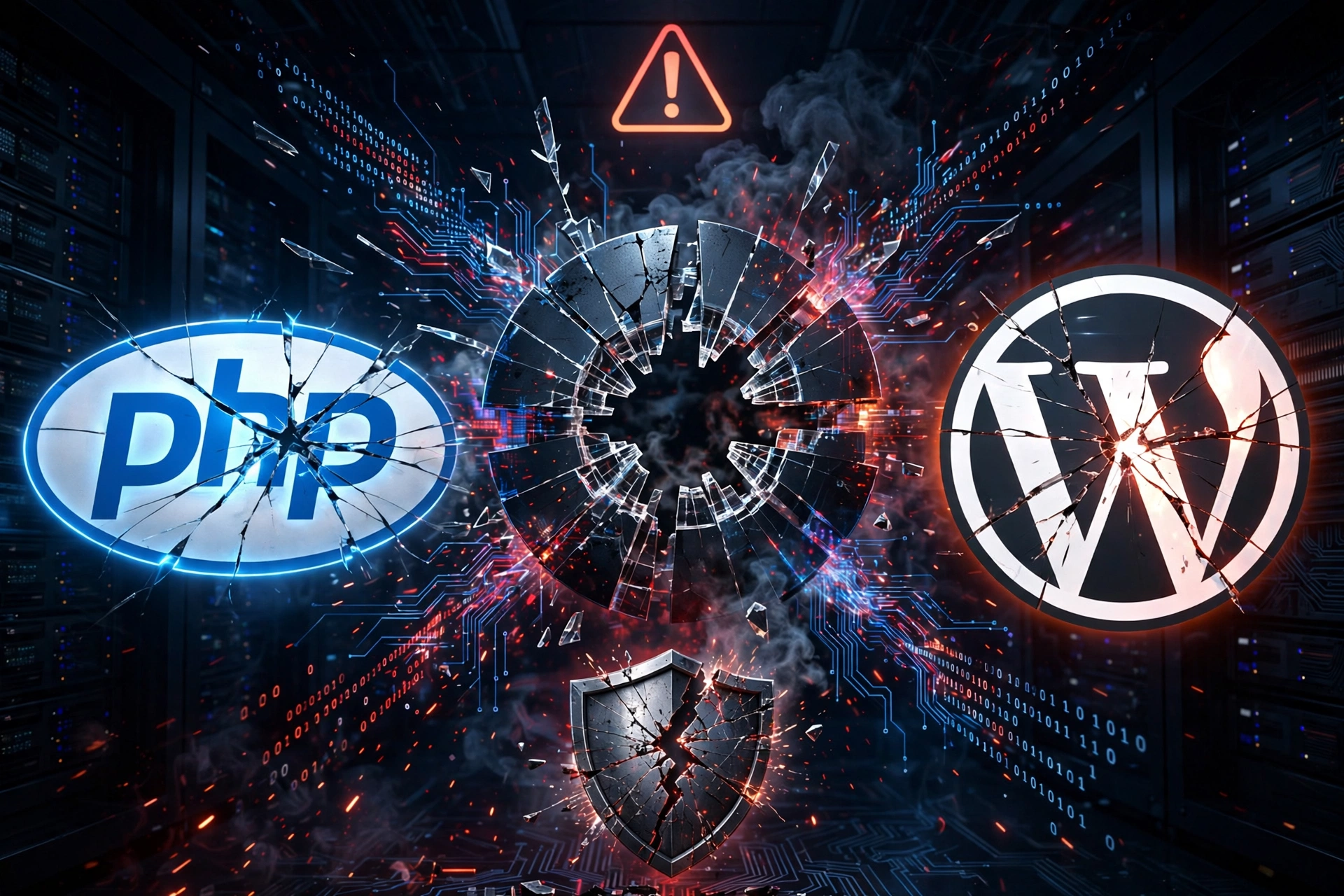
The PHP2Shell vulnerability (CVE-2026-109618 and CVE-2026-109619) is the most critical PHP security incident in over a decade, according to many experts. These two bugs allow attackers to execute remote code (RCE) without authentication on servers running PHP – the language powering about 70% of websites on the Internet, including WordPress.
If you are operating a WordPress website, WooCommerce, or any PHP application, this article briefly explains what is happening, the actual risk level, and what you need to do today.
PHP2Shell is the collective name for two vulnerabilities in the PHP core, disclosed on October 21, 2026, and discovered with the assistance of AI:
The dangerous part: an attacker only needs to send a multipart/form-data POST request to any address that accepts file uploads. PHP’s session layer handles the upload process before the application code runs, so no matter how carefully your plugin or theme checks, it cannot be blocked.
According to Palo Alto Networks, as of October 29, more than 22.6 million PHP servers exposed to the Internet are potentially affected. On October 26, CISA (US) added both vulnerabilities to the known exploited vulnerabilities catalog.
As of October 28, Defiant has not recorded any WordPress websites compromised via PHP2Shell. The reason: exploit code usually needs to be fine-tuned for each server (PHP build, extensions, memory limits, ASLR, etc.). However, Defiant warns that attackers are still improving their tools, and if successful, they could access all website files, databases, and passwords.
According to Akamai’s analysis, the vulnerabilities affect PHP version 5 and above. The patched versions are:
Note: some Linux distributions (Ubuntu, Debian, RHEL, etc.) backport fixes to older versions, so please also check the security notices of your operating system or hosting provider.
In WordPress, go to Tools → Site Health → Info → Server to view the PHP version. For VPS, run the php -v command and check PHP-FPM as well.
If using shared hosting, change the version in cPanel/DirectAdmin or contact your provider. Many hostings and Cloudflare have deployed WAF rules to block PHP2Shell, but WAF is only a temporary protection layer – patching PHP is the root solution.
CVE-2026-109619 requires the session.upload_progress.enabled option (enabled by default). If you cannot patch immediately, you may consider setting this value to Off in php.ini after confirming your website does not use the upload progress bar feature. This is a mitigation measure, not a replacement for a patch.
wp-content/uploads folder.This same week, WordPress also released version 7.1.4 patching 22 vulnerabilities. See details in the article WordPress 7.1.4: Security Patch.
PHP2Shell shows that AI is helping find vulnerabilities faster than ever – and bad actors are exploiting them faster too. A routine maintenance process (updating PHP, core, plugins, backups, monitoring) will help you react in hours instead of weeks. You can refer to the monthly WordPress maintenance checklist to get started.
The PHP2Shell vulnerability affects almost all unpatched PHP servers. The most important thing you need to do right away: check your PHP version, update to the patched version, backup data, and check for anomalies. If you are not sure if your website is secure, please contact Gnurt for inspection and update support.
References: SecurityWeek, Akamai, VnExpress.
Full-stack developer
WordPress 7.1.4 patches over a dozen security vulnerabilities such as RCE and XSS. Easy-to-understand explanations of each flaw and how to securely update your website.

What is Docker? Docker is an open platform that helps you package, ship, and run an app. An app runs in a separate environment called a container. In short, Docker helps an app run the same way on many different machines. Everything the app needs is packaged together. What Is Docker? According to Docker’s official...

AI code writing accounts for over 40% of pull requests on GitHub. An analysis of the latest figures and how developers and businesses can adapt to use AI effectively.