
WordPress
WordPress 7.1.4: Security Patch
WordPress 7.1.4 patches over a dozen security vulnerabilities such as RCE and XSS. Easy-to-understand explanations of each flaw and how to securely update your website.
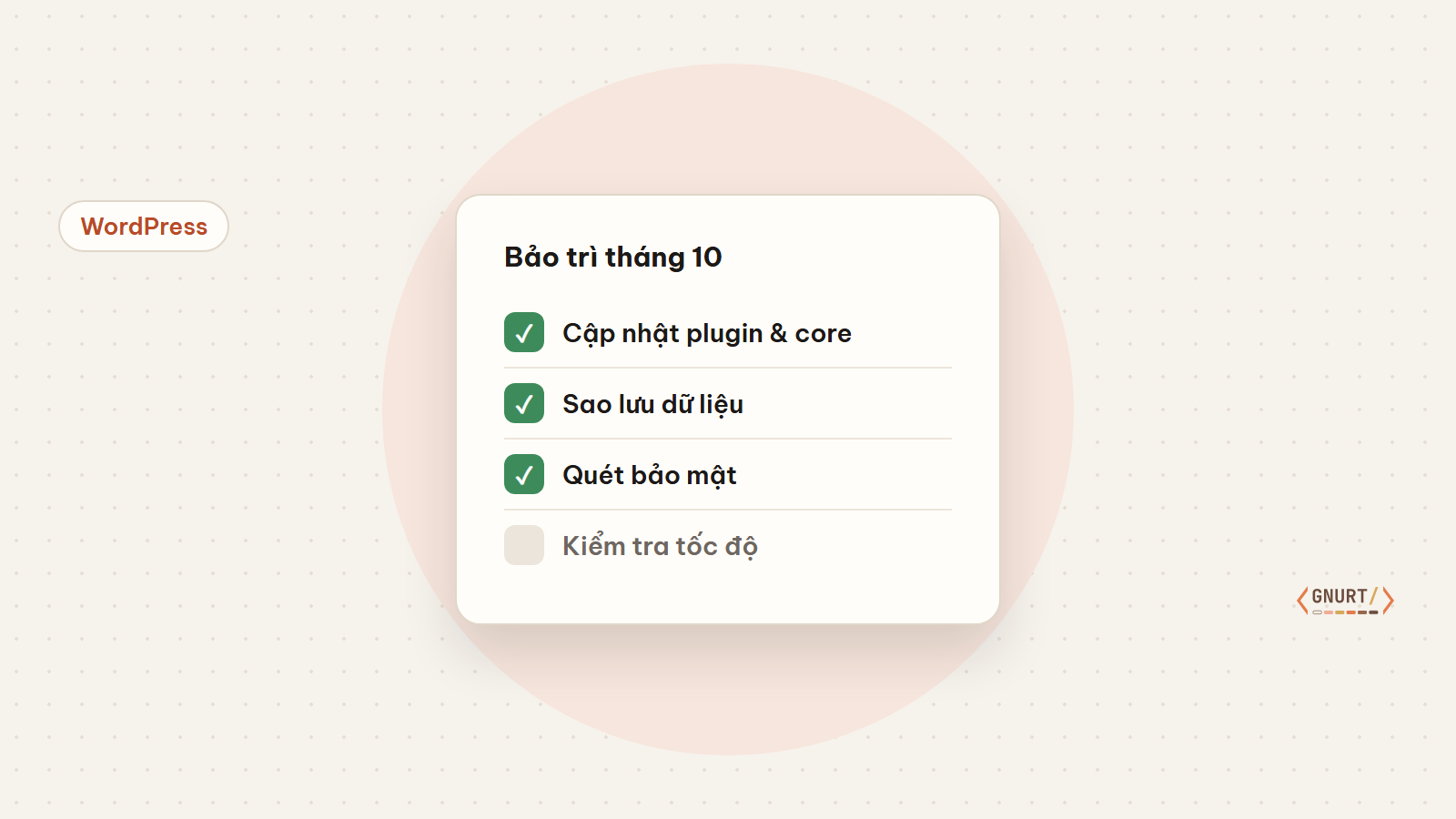
Updates, backups, security and performance checks — a short list to keep your website running smoothly without a dedicated IT team.
Business websites rarely “die” from a single major incident. Usually, it is the accumulation of small neglected things: plugins left unupdated for too long, untested backups, or SSL certificates expiring right on the weekend.
Do not click “Update All” on a live website. Always update on a staging copy first, check the main pages, and then apply to production.
A backup that has never been test-restored is not guaranteed to work. Every month, restore a random backup to a test environment.
Record your Core Web Vitals score every month. If the metrics drop, you will catch it early before customers complain.
| Category | Frequency | Time |
|---|---|---|
| Update & check | Monthly | 45 minutes |
| Test backup restoration | Monthly | 20 minutes |
| Security audit | Quarterly | 30 minutes |
About two hours a month is enough to keep a small business website secure and stable. If you do not have the time, that is when you should consider a maintenance plan.
Full-stack developer
WordPress 7.1.4 patches over a dozen security vulnerabilities such as RCE and XSS. Easy-to-understand explanations of each flaw and how to securely update your website.
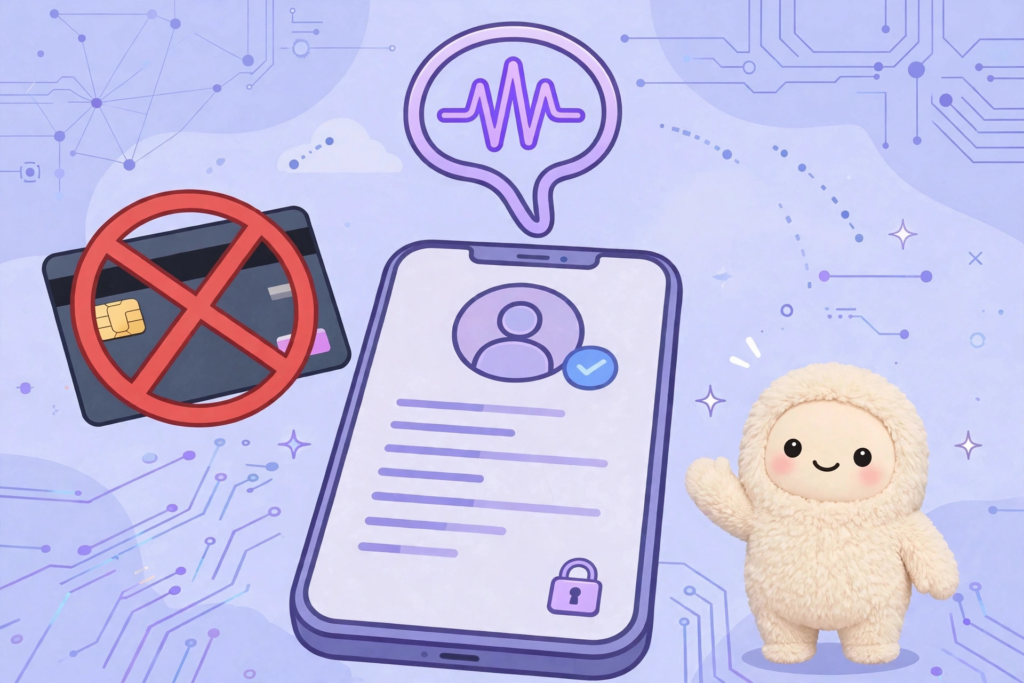
When using Muse AI, you will be required to verify your age before using full features. A common way is to verify with a credit card or international payment card, and you will be charged $1 to test the card. However, you can still verify without using a credit card or international payment card. Muse...
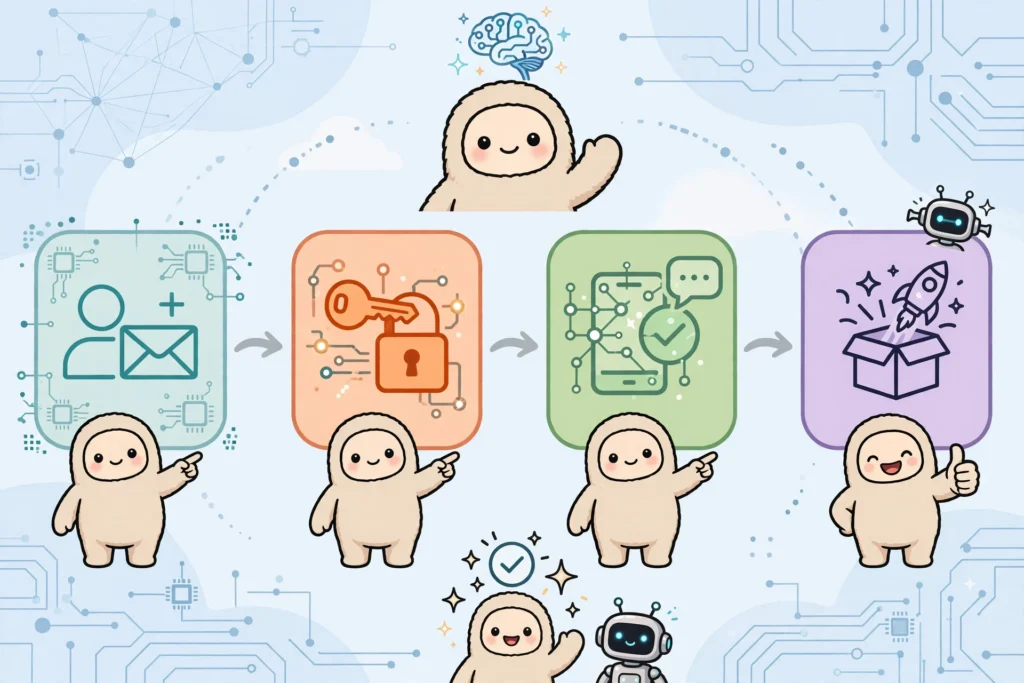
Step-by-step guide on how to register a Muse AI account – Meta's AI assistant – for users in unsupported countries, along with the invitation code Z1XUL4 for both parties to receive 1 billion tokens.