How to register a Muse AI account is not too complicated, but many users in Vietnam and many other countries face difficulties because they only see the Waitlist status. This article provides a detailed step-by-step guide on registering for Muse AI, how to verify your age, and how to enter an invite code so that both you and the inviter receive 1 billion tokens.
What is Muse AI?
Muse AI is Meta’s personal AI assistant. Currently, Muse AI does not officially support many countries and regions, including Vietnam. Therefore, when accessing from unsupported locations, you may only see the Waitlist status. To register, you need to switch your connection to a supported country (usually the US or Canada), then follow the steps below on your browser.
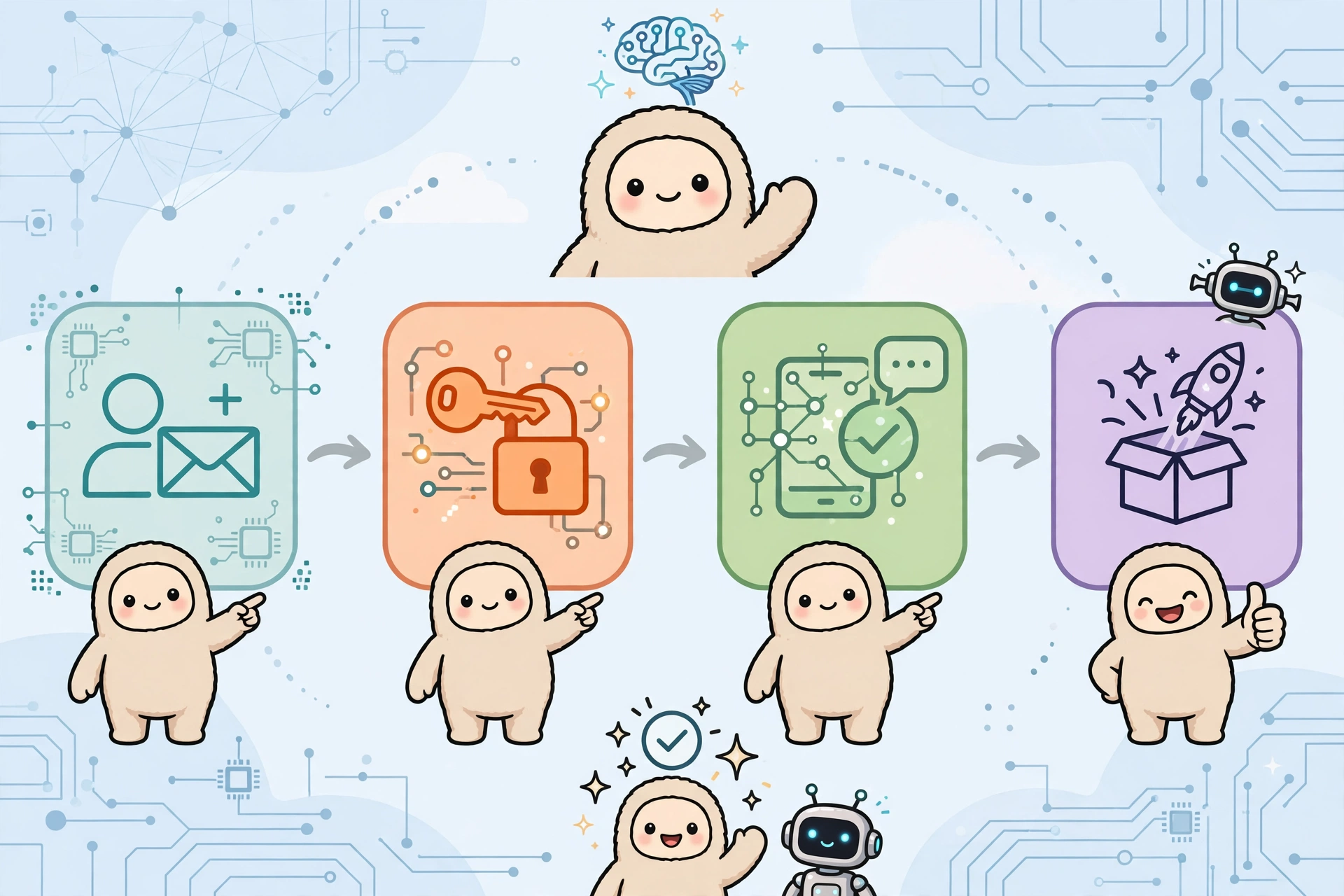
Detailed Guide on Registering a Muse AI Account
Step 1: Switch your connection region to the US
If you are in an unsupported region, use a VPN (such as 1.1.1.1 Cloudflare WARP, ProtonVPN…) and select a United States server. Check that your IP has successfully changed before proceeding.
Step 2: Visit the Muse AI registration page
Open a new tab in your browser and go to the official website muse.ai or muse.ai/join. Carefully check the domain name to avoid fake websites.
Step 3: Sign up or log in to your account
Choose a login method supported by Muse (such as a Meta or Google account), then enter your email and the verification code sent to your inbox.
Step 4: Age Verification
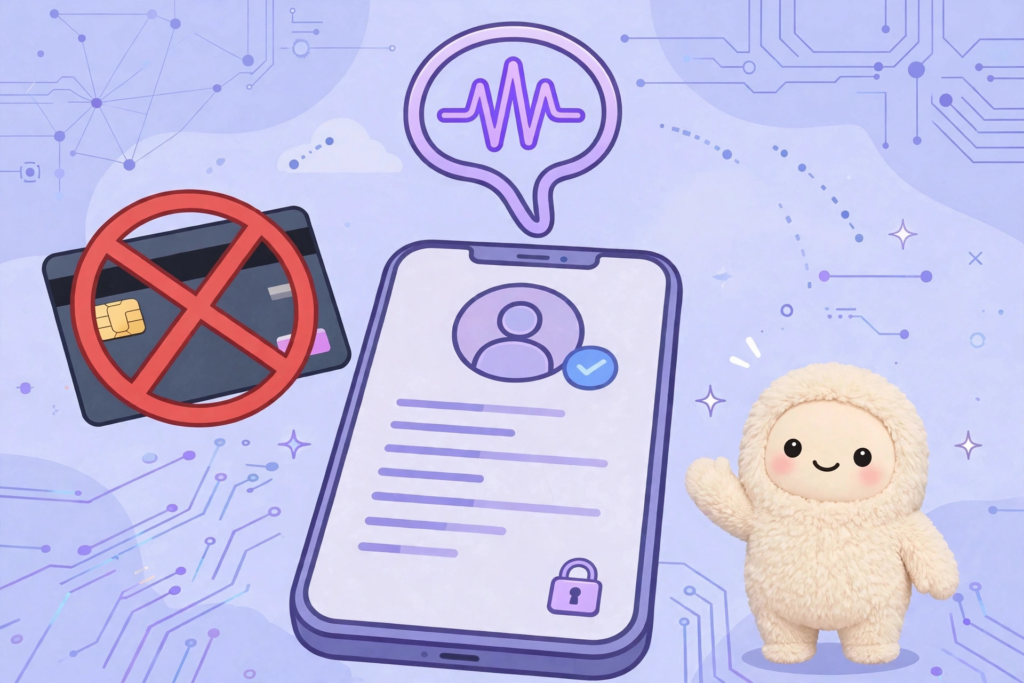
Click Confirm age and declare that you are at least 18 years old. Muse requires verification using a Visa/Mastercard card. The system may temporarily hold about 1 USD to check the card; this amount will be refunded after a few days and is not a usage fee.
Step 5: Complete setup
After successful verification, you will be redirected to the main interface of Muse AI and can start using it immediately.
Step 6: Enter the Muse AI invite code to receive tokens (optional)
Go to Settings → General → Redeem invite code (or Redeem invitation code) and enter the code within 48 hours of registration. When you successfully enter the invite code, both you and the inviter will receive 1 billion tokens. Each account can only enter an invite code once.
🎁 Muse AI Invite Code: Z1XUL4 – enter now so both parties receive 1 billion tokens!
Important Notes When Registering for Muse AI
- Only enter your card information on the official website muse.ai, do not provide it to any third party.
- The temporary hold of about 1 USD is only used for card verification and will be refunded.
- Invite codes may expire quickly (within 48 hours), please enter them early after creating your account.
- Each account can only redeem one invite code, so please double-check before entering.
Frequently Asked Questions About Muse AI
Which countries does Muse AI support?
Currently, Muse AI mainly supports certain countries like the US and Canada. Users in many other countries, including Vietnam, usually only see the Waitlist status and need to switch their connection region to register.
Is registering for Muse AI free?
Registration is free. The temporary hold of about 1 USD during card verification will be refunded after a few days.
Where to enter the Muse AI invite code?
Go to Settings → General → Redeem invite code and enter the code (e.g., Z1XUL4) within 48 hours of registration for both parties to receive 1 billion tokens.
Conclusion
With just a few simple steps, you can register a Muse AI account and experience Meta’s personal AI assistant. Don’t forget to enter the invite code Z1XUL4 within 48 hours so that you and the inviter both receive 1 billion tokens!