
Performance
Core Web Vitals: Read the report and fix the right issues
What LCP, INP, and CLS mean for your customers, and how to find the elements actually causing slowdowns instead of optimizing blindly.


Most slow WooCommerce stores are not slow because of weak hosting, but because of redundant plugins, heavy queries, and unoptimized images. This is the order I check every time I take on a project.
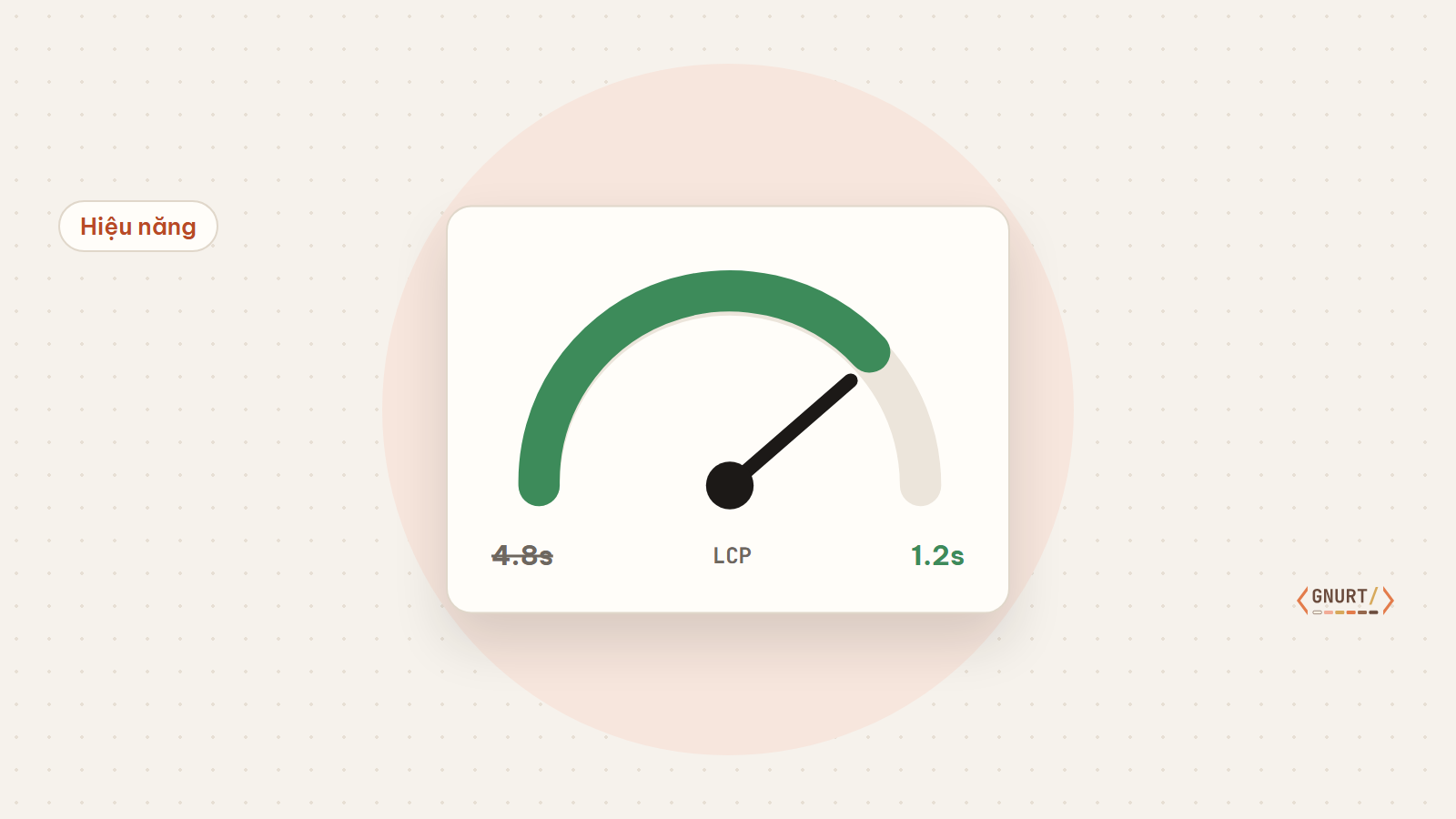
When an online store is slow, the first instinct is usually to “upgrade the hosting plan”. Sometimes that helps, but in over 80% of the projects I’ve worked on, the bottleneck lies within the website itself. Upgrading hosting at this point is simply paying extra to cover up the issue.
Don’t optimize based on feelings. Record your baseline metrics: Time to First Byte (TTFB), mobile LCP, and the number of database queries for key pages — homepage, categories, products, cart, checkout.
Every plugin adds extra CSS, JavaScript, and queries across every page. I create a spreadsheet of all plugins, marking which ones are actually used and which ones can be replaced with a few lines of code in the theme.
WooCommerce reads a lot of options and metadata. Object cache helps repeated queries to be returned from memory instead of the database.
// wp-config.php
define('WP_REDIS_HOST', '127.0.0.1');
define('WP_REDIS_DATABASE', 0);
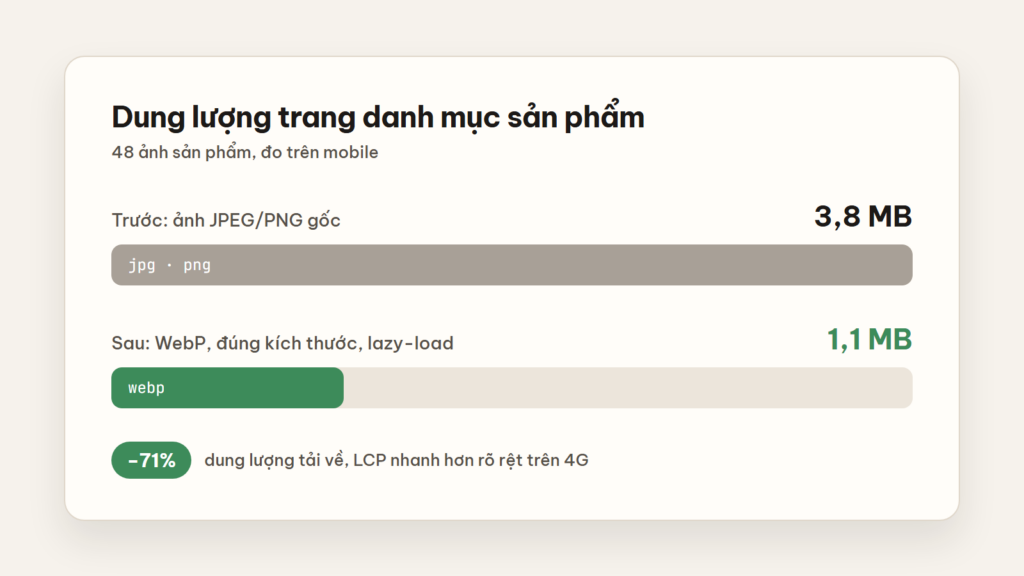
define('WP_CACHE_KEY_SALT', 'shop_');Product images usually account for 60–70% of the page size. Switch to WebP/AVIF, declare proper width/height to prevent layout shifts, and only lazy-load images below the fold.
Speed is not just about seconds. A checkout page with 14 input fields is still “slow” to customers. Remove unnecessary fields, enable address autocomplete, and keep customers on a single page.
Customers don’t care what technology your website uses. They only remember whether it was fast or slow.
After performing the above steps and your TTFB is still over 600 ms during peak hours, that is the time to review your infrastructure. And when you upgrade, you will know precisely whether you need more CPU, RAM, or simply a better CDN.
Full-stack developer
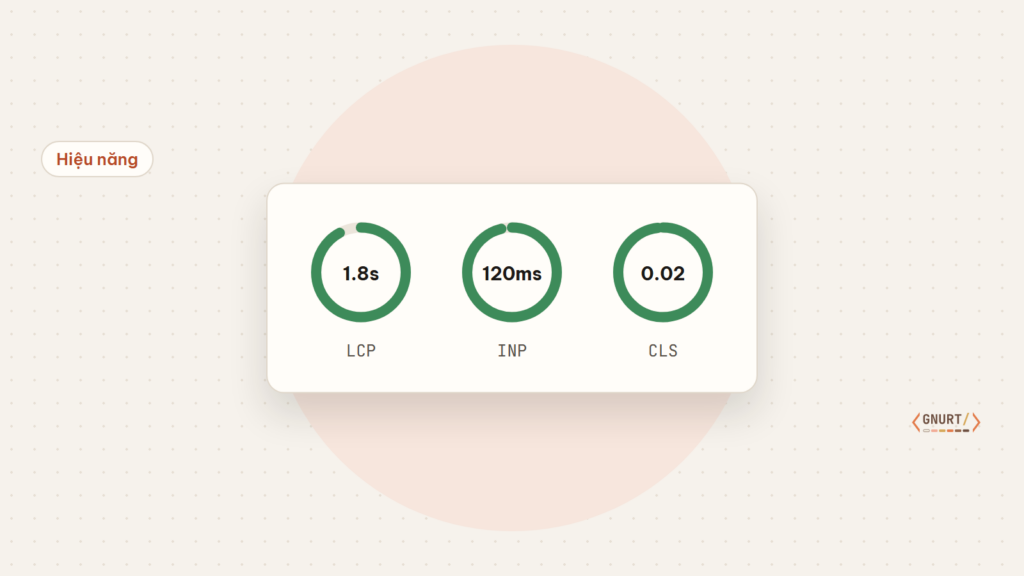
What LCP, INP, and CLS mean for your customers, and how to find the elements actually causing slowdowns instead of optimizing blindly.
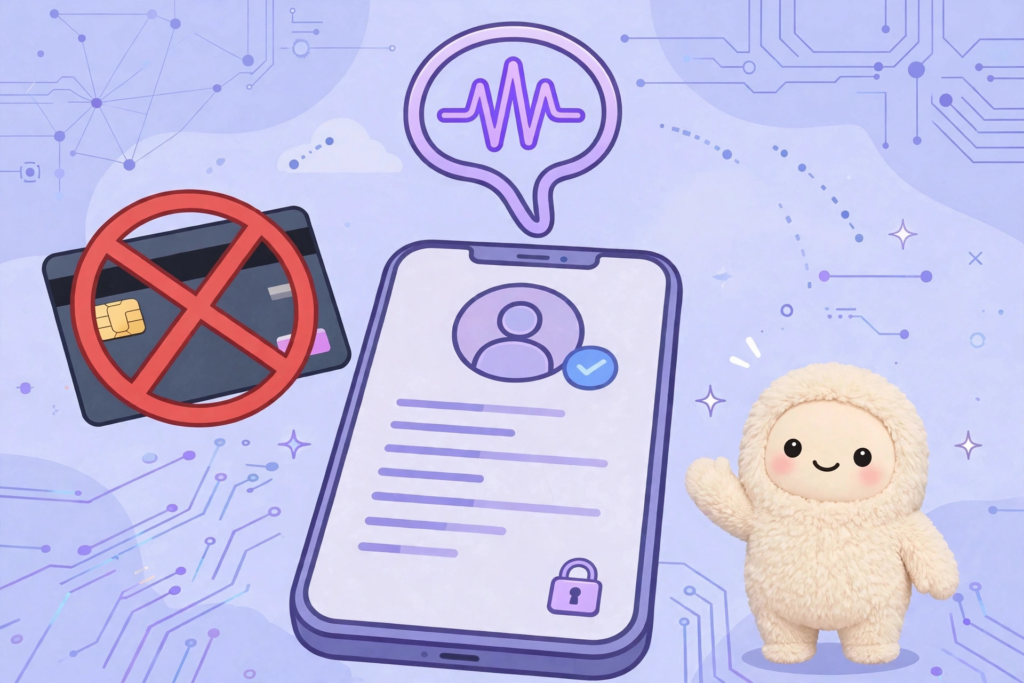
When using Muse AI, you will be required to verify your age before using full features. A common way is to verify with a credit card or international payment card, and you will be charged $1 to test the card. However, you can still verify without using a credit card or international payment card. Muse...

Step-by-step guide on how to register a Muse AI account – Meta's AI assistant – for users in unsupported countries, along with the invitation code Z1XUL4 for both parties to receive 1 billion tokens.