
WordPress
Monthly WordPress maintenance checklist for small businesses
Updates, backups, security and performance checks — a short list to keep your website running smoothly without a dedicated IT team.
WordPress 7.1.4 patches over a dozen security vulnerabilities such as RCE and XSS. Easy-to-understand explanations of each flaw and how to securely update your website.
WordPress 7.1.4 was just released on October 28, 2026. This is a security release: no new features are included. It fixes more than a dozen vulnerabilities that malicious actors could exploit to attack websites. WordPress strongly recommends that everyone update immediately.
Do you manage a WordPress website but aren’t technically inclined? This article explains in plain language what the update fixes, the actual risks involved, and what you need to do.
Imagine your website is a house. Security experts have just discovered a few unlocked doors and broken locks. WordPress 7.1.4 is the repairman coming to fix all of those spots.
When a security patch is released, the list of bugs also becomes public information. This means bad actors also know which websites haven’t been updated and still have “unlocked doors.” Therefore, the longer you delay updating, the higher the risk.
You don’t need to memorize every single bug. Just understand the 5 main groups below.
RCE (Remote Code Execution) is a very serious type of vulnerability. If exploited, attackers could run malicious code directly on the server. In that case, not only the website but also the data and the underlying server would be compromised.
The “lucky” part is that this vulnerability can only be exploited while the website is upgrading, not at any other time, so the window of opportunity for attacks is narrower. However, don’t underestimate it: many websites auto-update almost simultaneously when a new version comes out. The upgrade timing is therefore not too difficult to predict. WordPress has also not released technical details of this vulnerability. Upgrading to version 7.1.4 is the way to ensure future upgrades do not carry this risk.
This group of vulnerabilities accounts for the largest number. Simply put, bad actors can “hide” a piece of malicious code inside website content, such as image blocks, playlists, categories, comment pagination, usernames, or personal data deletion requests. When others open that page, including administrators, the code will run automatically. It can steal information or take over administrative privileges.
A bug in the Interactivity API component could be exploited to slow down or crash the website (Denial of Service attack).
WordPress refreshed its list of “root certificates” due to the revocation of eMudhra’s certificate. Root certificates help websites securely connect with other services over the Internet.
Notably, the list of discoverers includes two experts from VietSunshine Cyber Security in Vietnam.
If your website has automatic updates enabled, WordPress will install the new version by itself. Even so, you should still check the version as in step 5.
Want to keep your website safe without having to remember every single patch? Check out the monthly WordPress maintenance checklist for small businesses.
This is a minor patch, mainly fixing security flaws, so the risk is low. However, you should still back up before updating, especially for e-commerce websites or those using many plugins.
WordPress is backporting these patches to older versions (4.7 and above) and will release them gradually when ready. However, only the latest version is fully supported. The safest way is still to upgrade to the latest version.
WordPress 7.1.4 is a security patch you shouldn’t skip. It only takes a few minutes to back up and update, but it helps your website avoid many risks. Do it today.
Source: WordPress News – WordPress 7.1.4
Full-stack developer
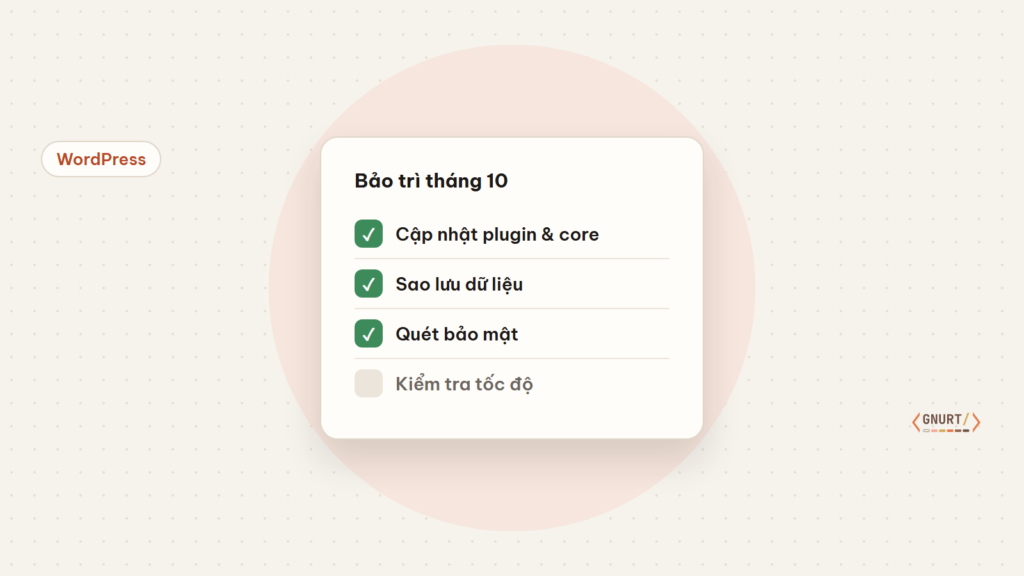
Updates, backups, security and performance checks — a short list to keep your website running smoothly without a dedicated IT team.
When using Muse AI, you will be required to verify your age before using full features. A common way is to verify with a credit card or international payment card, and you will be charged $1 to test the card. However, you can still verify without using a credit card or international payment card. Muse...
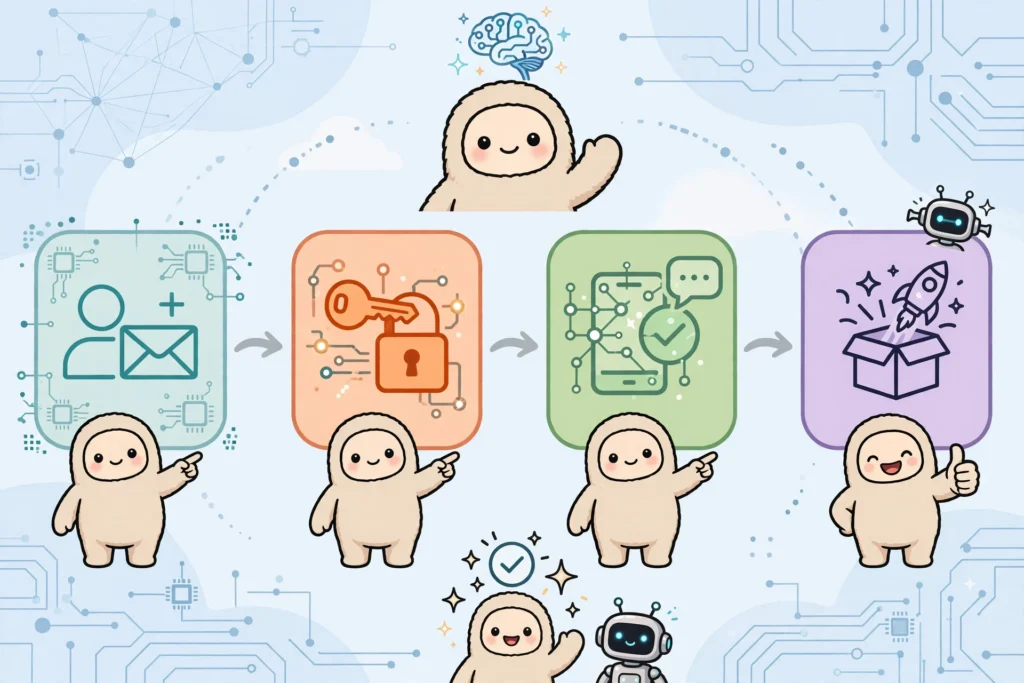
Step-by-step guide on how to register a Muse AI account – Meta's AI assistant – for users in unsupported countries, along with the invitation code Z1XUL4 for both parties to receive 1 billion tokens.