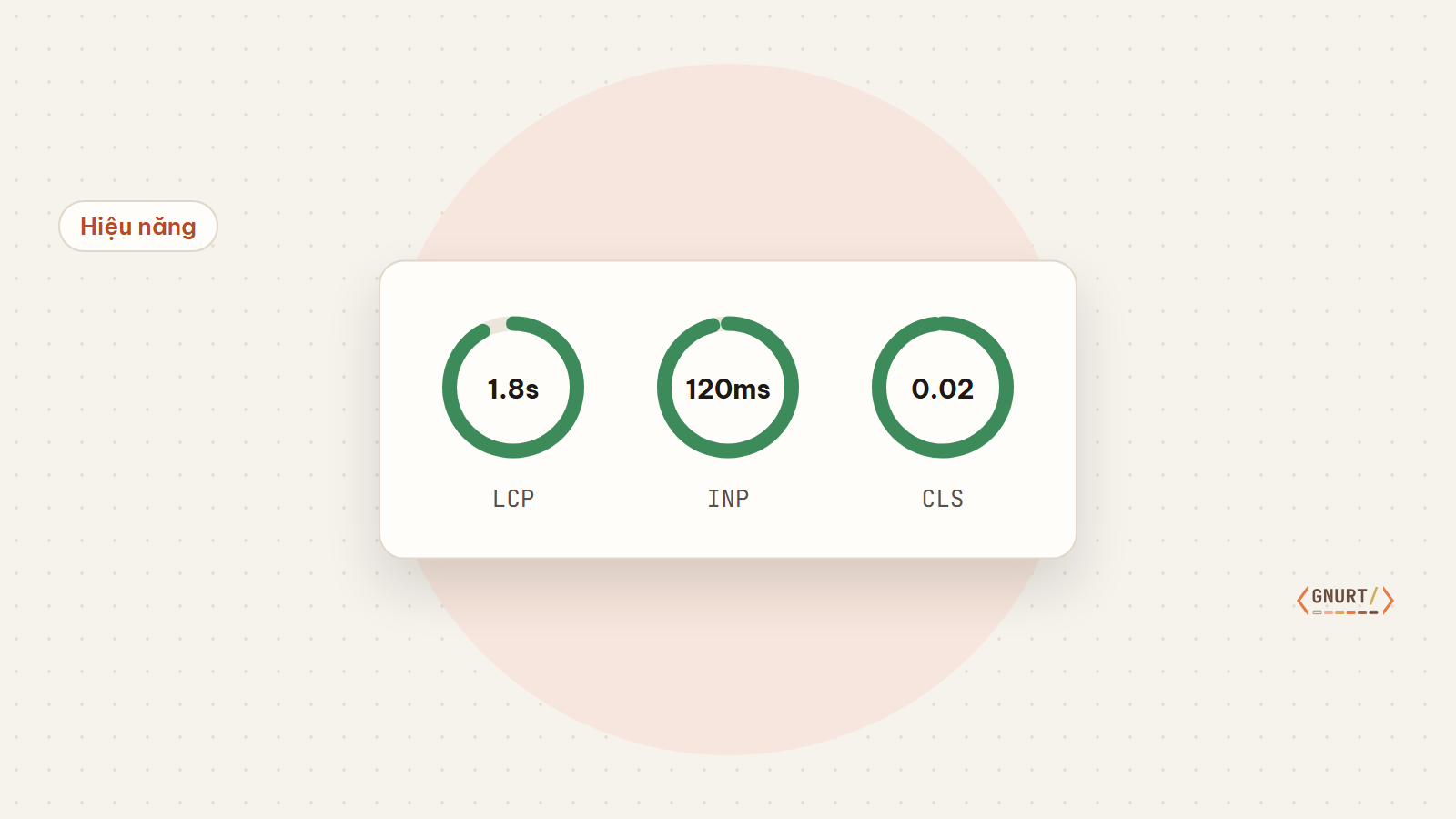
Google Search Console reports “Poor URL” but does not specify what to fix. This article explains three metrics and how to track down the cause.
LCP — when does the main content appear
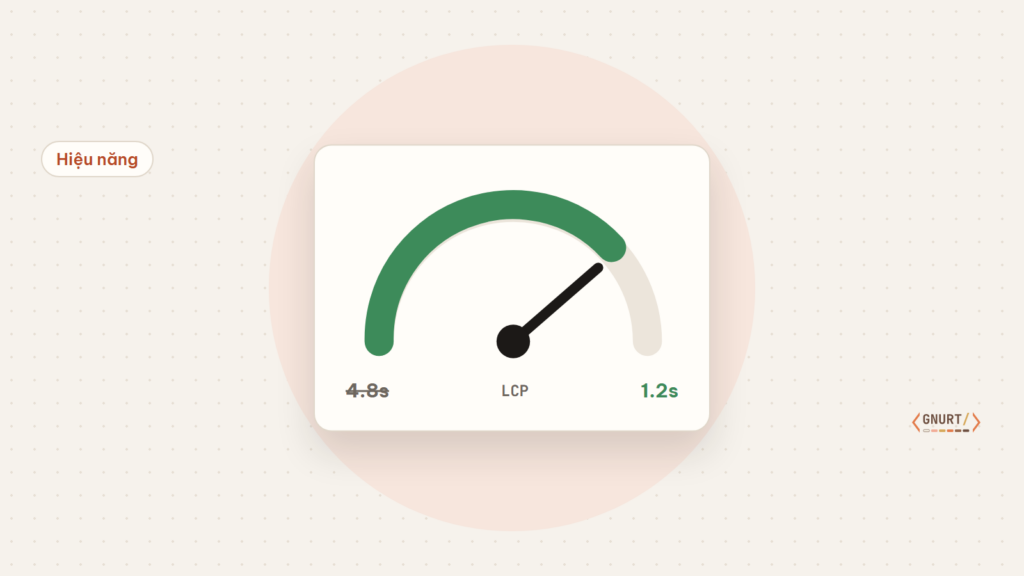
LCP measures the time it takes for the largest element in the initial viewport to render, usually a banner image or heading. Goal: under 2.5 seconds.
- Preload the LCP image and do not lazy-load it.
- Reduce TTFB using page caching.
- Avoid render-blocking fonts.
INP — response when users interact
INP measures the latency from a click to the UI response. The culprits are usually third-party JavaScript: chat widgets, tracking, popups.
CLS — does the layout shift
CLS increases when images lack dimensions, ads are inserted late, or fonts change text size. Always declare width and height for images and embed containers.
Prioritize based on real data
Fix the pages with the highest traffic first. A small improvement on the homepage is more valuable than perfectly optimizing a low-traffic page.